
MCP server logs
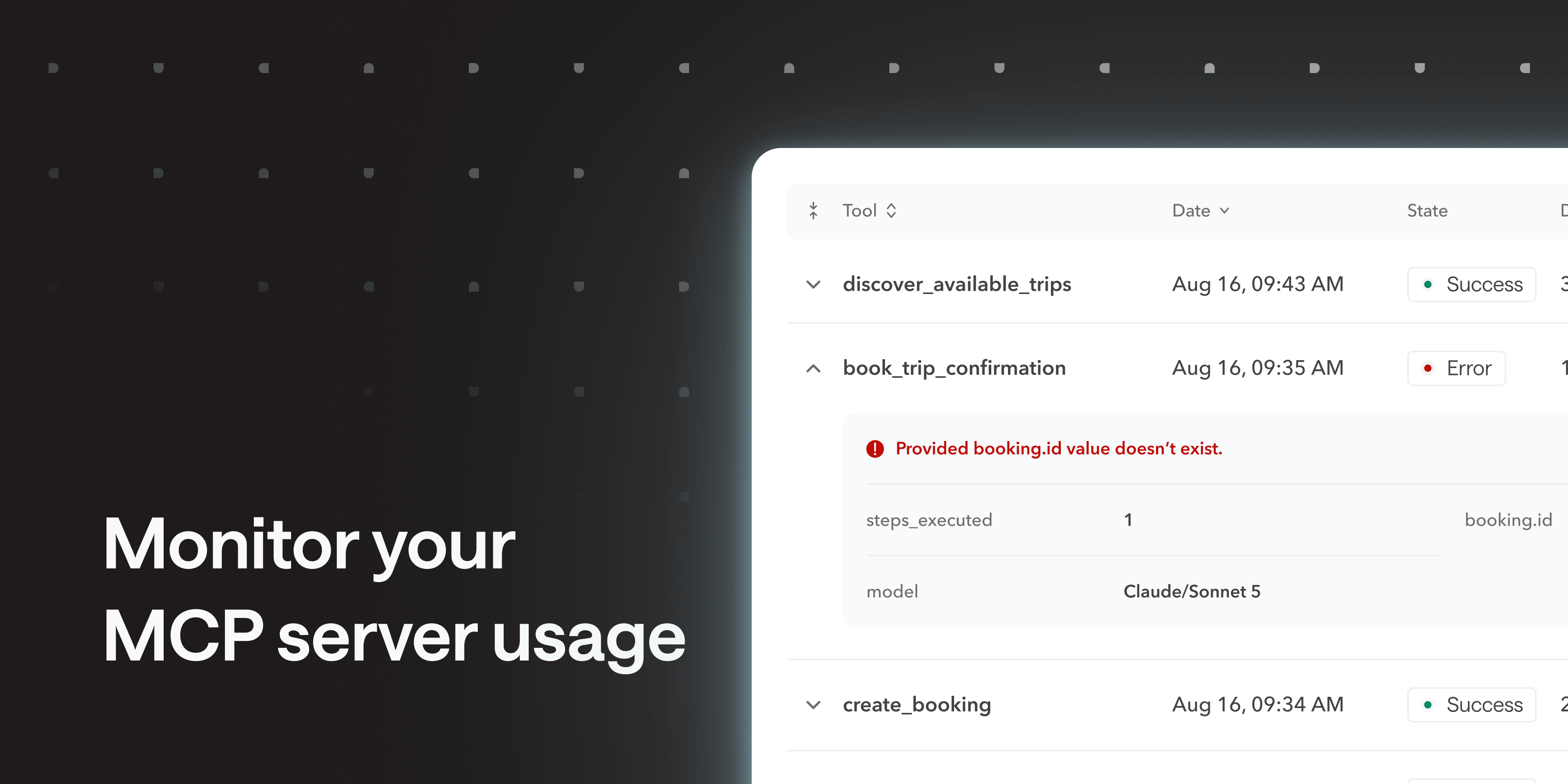
MCP servers now keep a persistent history of every tool call: which tool was invoked, when, from where, whether it succeeded, and how long it took. Where debug sessions only cover a short live window, logs stick around. Use them to see how a server is actually used, and to investigate an issue after it happened.
You can also surface custom execution data by defining custom analytics in your workflow definition document. Runtime expressions let you pick the inputs, outputs or configuration values, and inspect them without opening a debug session. Authentication data is always excluded.
Find it in your MCP server settings, and learn more in the help center.
Any feedback? Reach out at hello@bump.sh.